You can create and edit UIs, UIOs, UI Assessments, UIO Assessments, UI Fees (NZ only), UIO Fees, UIO Learning Aims (UK only), and UI Awards in bulk using the grids in Curriculum Manager.
To add a record to a grid in the Curriculum Manager, do either of the following:
-
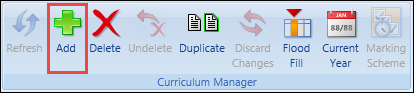
Select the Add button on the Curriculum ribbon
-
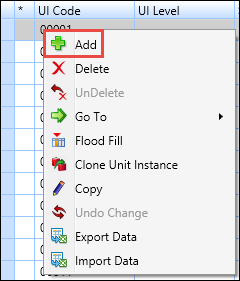
Select and hold (or right-click) on a row in the appropriate grid and select the Add option from the shortcut menu
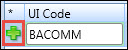
You can add more than one record before saving. New records are indicated with a plus sign in the * (asterisk) column of the grid, until changes have been saved.
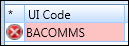
New records are added to the top of the grid, and data validated when the records are saved. If any mandatory data has not been entered, a message is displayed and the columns requiring data are indicated.
From the Curriculum Manager, you can: